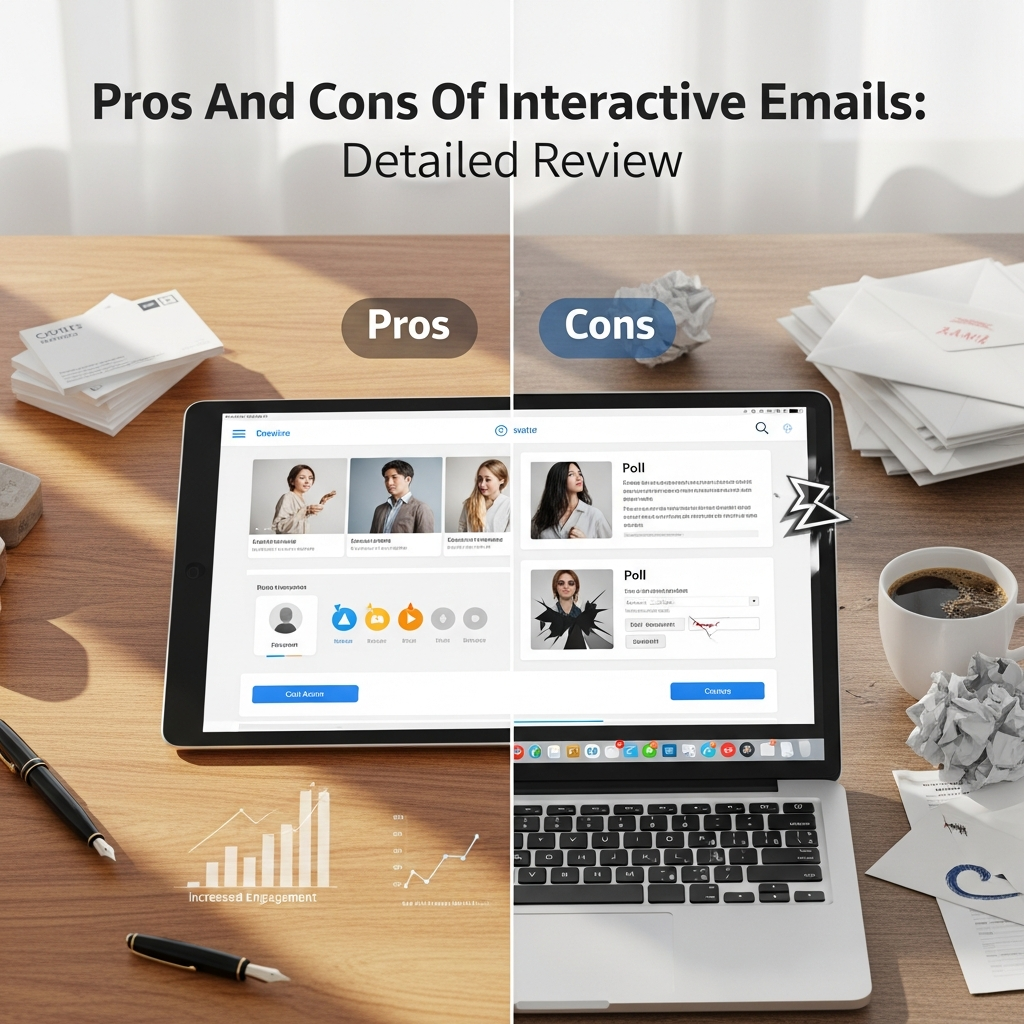
Pros And Cons Of Interactive Emails: A Comprehensive Detailed Review
In the rapidly evolving landscape of digital communication, the traditional “static” email is facing a significant challenge. As a marketer or business owner, you are likely searching for ways to cut through the noise of a crowded inbox. This is where interactive emails enter the frame. By allowing recipients to take action directly within the message without clicking away to a browser, these emails are redefining user engagement.
However, as with any advanced technology, interactivity comes with its own set of hurdles. In this detailed review, you will explore the intricate balance between the benefits and the drawbacks of interactive email marketing. This guide is designed to provide you with a high-level strategic overview and practical insights to help you decide if this approach is right for your brand.
Understanding Interactive Emails: A Paradigm Shift
Before diving into the advantages and disadvantages, it is essential to define what we mean by “interactivity.” An interactive email is a message containing functional elements that allow users to interact with the content by clicking, tapping, swiping, or hovering. Instead of being a mere “flyer” that points to a website, the email becomes a mini-application.
Common examples of interactive elements include:
- Image Carousels: Allowing users to browse multiple products within one frame.
- Accordions: Collapsible sections that keep the email tidy while hiding detailed information.
- Polls and Surveys: Gathering feedback directly inside the inbox.
- Add-to-Cart Buttons: Enabling a frictionless shopping experience.
- Gamification: Incorporating scratch-offs or spin-to-win mechanics.
The core technology behind this shift often involves AMP for Email (Accelerated Mobile Pages) or advanced CSS3 animations. While the visual results are stunning, the underlying mechanics are complex.
The Pros: Why You Should Consider Interactive Emails
The primary driver behind the adoption of interactive emails is the pursuit of higher conversion rates. When you reduce the number of steps a user must take to complete a goal, your success rate naturally climbs. Let’s examine the specific benefits in detail.
1. Explosive Growth in Click-Through Rates (CTR)
Static emails often suffer from “click fatigue.” You ask the user to open the email, read the copy, click a button, wait for a browser to load, and then perform an action. Every step is a point where you might lose them.
Interactive emails eliminate several of these steps. By offering a frictionless experience, you engage the user’s curiosity. Data suggests that interactive content can generate up to 2x more conversions than passive content. When you provide a “hover effect” or a “tabbed menu,” you transform a passive reader into an active participant.
2. Enhanced User Experience (UX) and Personalization
Modern consumers value their time. If you can provide a solution—such as booking an appointment or selecting a product color—without forcing them to leave their inbox, you provide a superior User Experience (UX). This convenience builds brand loyalty.
Furthermore, interactivity allows for real-time content updates. For instance, if you send an interactive countdown timer or a live inventory update, the user sees the most current information every time they open the email. This level of dynamic personalization is impossible with traditional static images.
3. Frictionless Data Collection
Gathering “Zero-Party Data” (data shared intentionally by the user) is becoming critical as third-party cookies disappear. Interactive polls, quizzes, and preference centers within an email allow you to collect valuable insights about your audience’s tastes without being intrusive. Because the barrier to entry is low (just a single tap), participation rates for surveys typically skyrocket in interactive formats.
4. Brand Modernization and Differentiation
To stand out in 2024, your brand must appear forward-thinking. Using interactive elements signals to your audience that you are an innovator. It differentiates your newsletters from the dozens of generic, text-heavy emails your competitors are sending. This “wow factor” can be the deciding factor in whether a lead remembers your brand or hits the delete button.
The Cons: The Hidden Challenges of Interactivity
While the benefits are compelling, it would be a disservice to ignore the significant technical and strategic hurdles. As a professional, you must weigh these risks carefully against the potential rewards.
1. Fragmentation and Email Client Compatibility
This is the “Achilles’ heel” of interactive email marketing. Unlike web browsers, which have largely standardized how they render code, email clients (Outlook, Gmail, Apple Mail, Yahoo) are notoriously fragmented.
- Apple Mail: Generally has excellent support for CSS interactivity.
- Gmail: Supports AMP for Email, but requires a strict registration process for senders.
- Outlook (Desktop): Often uses the Word rendering engine, which struggles with even basic modern CSS, let alone interactivity.
Because of this, you cannot simply send one interactive file and expect it to work for everyone. You must develop fallback versions—static alternatives that display when the interactive elements fail to load. This effectively doubles or triples your production time.
2. Increased Development Complexity and Cost
Creating a high-quality interactive email requires specialized skills. You cannot rely solely on “drag-and-drop” editors found in basic Email Service Providers (ESPs). You will likely need a developer proficient in HTML/CSS for email and potentially AMP script.
The QA (Quality Assurance) process is also much more rigorous. You must test the email across dozens of devices and screen sizes to ensure the interactive elements don’t “break” the layout. For smaller teams, the Return on Investment (ROI) might not justify the high initial cost of production.
3. Deliverability and Security Concerns
Email filters are designed to protect users from malicious code. Because interactive emails use more complex scripts than static ones, they can occasionally trigger spam filters if not coded perfectly. Furthermore, some corporations block interactive elements for security reasons, fearing that scripts could be used for phishing or data exfiltration.
4. Accessibility (A11y) Issues
For users who rely on screen readers or have motor impairments, interactive elements can be a nightmare if not designed with accessibility in mind. A carousel that auto-rotates or a menu that requires precise hovering can alienate a portion of your audience. Ensuring your interactive code is “accessible” adds another layer of complexity to the build process.
Types of Interactive Elements: A Detailed Breakdown
If you decide to move forward, it is important to choose the right elements for your specific goals. You should not use interactivity just for the sake of it; it must serve a purpose.
The Image Carousel
Use Case: E-commerce brands showcasing a new collection. Instead of a long, scrolling email, you can display five products in the space of one.
Pros: Saves space, increases engagement.
Cons: Can be difficult to make responsive on very small screens.
The Accordion (Hidden Content)
Use Case: FAQ sections or detailed product specifications.
Pros: Keeps the design clean and allows the user to choose what they want to read.
Cons: Some users might not realize the sections are clickable.
In-Email Forms and Surveys
Use Case: Feedback requests after a purchase.
Pros: Dramatically higher response rates because the user stays in the inbox.
Cons: Requires back-end integration to capture and store the data securely.
Gamification (Scratch-offs/Spinners)
Use Case: Holiday sales or special discount reveals.
Pros: High “viral” potential and psychological “curiosity gap” fulfillment.
Cons: Can appear “unprofessional” if not aligned with your brand voice.
How to Implement Interactive Emails: Step-by-Step
If you are ready to experiment with interactive emails, follow this structured approach to minimize risk and maximize impact.
Step 1: Audit Your Audience’s Email Clients
Before writing a single line of code, look at your ESP’s analytics. What percentage of your audience uses Apple Mail vs. Outlook? If 70% of your list uses Outlook for Desktop, interactivity may not be worth the effort. If the majority are on iPhone (Apple Mail) or Gmail, you have a green light.
Step 2: Start Small with “Graceful Degradation”
Do not attempt a full in-email shopping cart on your first try. Start with a simple hover effect or a CSS-based accordion. Ensure you have a solid “fallback” strategy. This means if the interactivity doesn’t work, the user sees a perfectly functional static version of the email.
Step 3: Choose the Right Technology (AMP vs. CSS)
Decide whether you want to use AMP for Email or Advanced CSS.
- AMP: Great for Gmail and Yahoo, allows for truly dynamic data (like live prices), but requires sender authentication.
- CSS: Works better in Apple Mail and doesn’t require special registration, but is less powerful for complex data handling.
Step 4: Rigorous Testing
Use tools like Litmus or Email on Acid to preview your email on every possible device. Pay close attention to how the interactive elements behave in Dark Mode, as this can often invert colors and hide your interactive buttons.
Expert Tips for a Successful Interactive Strategy
As a senior strategist, I recommend keeping these “golden rules” in mind to ensure your campaign’s success:
- Always Provide a Clear Call-to-Action (CTA): Even in an interactive email, the user needs to know what the ultimate goal is. Don’t let the “fun” elements distract from the “buy” button.
- Monitor Load Times: Interactive code can make an email file size quite large. If an email exceeds 102kb, Gmail may “clip” it. Keep your code clean and optimize your images.
- Use “Visual Cues”: Users are accustomed to static emails. You may need to add a small note like “Tap the icons to explore” or “Swipe to see more” to encourage interaction.
- Analyze the Right Metrics: Standard “Open Rates” won’t tell the whole story. You need to track “Time spent in email” and specific “Interaction events” to measure the true ROI of your efforts.
The Future of Interactive Emails
The trend is clear: interactivity is the future. As email clients slowly update their rendering engines and as tools for creating these emails become more accessible, the “static” email will eventually become the exception rather than the rule. We are moving toward an era where the inbox acts as a gateway to a seamless, app-like experience.
However, for the next few years, the “hybrid” approach is king. You must be a master of both the new interactive techniques and the old-school fallback methods to ensure no subscriber is left behind.
Conclusion: Is It Worth the Effort?
In summary, the pros and cons of interactive emails present a classic trade-off between performance and complexity.
Interactive emails are worth it if:
- You have a tech-savvy audience using modern email clients.
- You have the budget or internal talent for advanced development.
- Your product requires visual storytelling (e.g., fashion, travel, tech).
You should stick to static emails if:
- Your audience is primarily B2B using older versions of Outlook.
- You need to send high-frequency updates with very short turnaround times.
- You are operating on a very tight marketing budget.
By carefully considering your specific business context and following the best practices outlined in this review, you can leverage interactivity to create memorable, high-converting experiences that your customers will love.
Frequently Asked Questions (FAQ)
1. Do interactive emails work in Outlook?
Generally, most interactive elements do not work in the desktop version of Outlook because it uses a limited rendering engine. However, they may work in Outlook.com (web) or the Outlook mobile app. Always use a static fallback for Outlook users.
2. Will interactive emails hurt my deliverability?
Not if they are coded correctly. However, very large file sizes or broken code can trigger spam filters. It is vital to use a professional testing tool before sending to your entire list.
3. What is the difference between AMP for Email and interactive CSS?
AMP for Email allows for live, server-side data (like a real-time stock price), but requires you to be “whitelisted” by Google. Interactive CSS uses standard web styling to create movement and tabs, which works in Apple Mail without special permissions.
4. Are interactive emails mobile-friendly?
Yes, in fact, many interactive elements like carousels and accordions are designed specifically to improve the mobile experience by saving vertical space.
5. Is it expensive to create interactive emails?
It can be. It requires more development time and more intensive testing than static emails. However, the increase in conversion rates often provides a positive ROI that covers the extra cost.