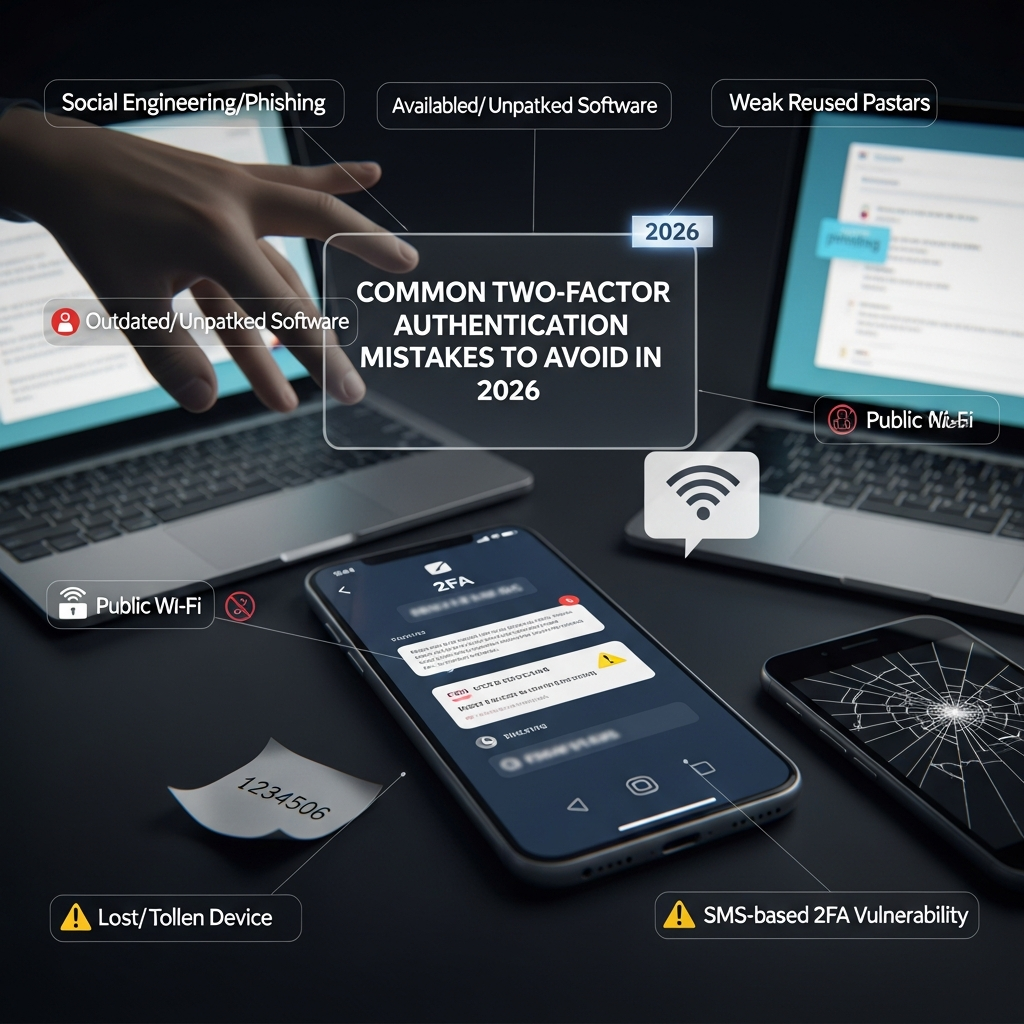
Common Two-Factor Authentication Mistakes To Avoid In 2026: A Comprehensive Guide to Modern Security
In the rapidly evolving landscape of 2026, the digital world has become both more connected and more precarious. While Two-Factor Authentication (2FA) was once considered an impenetrable shield, the sophistication of cyber-attacks has grown exponentially. Today, simply “having 2FA” is no longer enough to guarantee safety.
As artificial intelligence (AI) and automated social engineering become the tools of choice for malicious actors, your approach to multi-factor authentication (MFA) must evolve. If you are still relying on security practices from five years ago, you are likely leaving a digital back door open for hackers.
This guide explores the most critical 2FA mistakes you must avoid in 2026 to protect your personal data, financial assets, and digital identity.
Why Traditional 2FA is No Longer Enough in 2026
Before diving into the specific mistakes, it is vital to understand the current threat landscape. In 2026, we are seeing the rise of AI-driven phishing, where bots can mimic human conversation perfectly to trick users into revealing codes. Furthermore, session hijacking and real-time proxy attacks have made some traditional 2FA methods obsolete.
Cybercriminals no longer just try to guess your password; they target the secondary layer of your security. Understanding these vulnerabilities is the first step toward building a robust defense.
1. Relying Solely on SMS-Based 2FA
One of the most dangerous mistakes you can make in 2026 is continuing to use SMS (text messages) as your primary or only 2FA method. While it is better than no 2FA at all, it is the most vulnerable form of secondary verification.
The Risk of SIM Swapping
SIM swapping remains a prevalent threat. In this scenario, a hacker convinces your mobile carrier to port your phone number to a SIM card they control. Once they have your number, they receive all your 2FA codes, allowing them to bypass security on your bank accounts, email, and social media.
Interception and AI Spoofing
In 2026, sophisticated software can intercept SMS messages through vulnerabilities in global signaling protocols (like SS7). Additionally, AI can now generate convincing “urgent” messages that trick users into forwarding their codes to a fraudulent number.
The Solution: Move away from SMS and transition to Authenticator Apps (like Google Authenticator, Authy, or Microsoft Authenticator) or, ideally, physical hardware security keys.
2. Neglecting Backup Codes and Recovery Methods
Many users set up 2FA with great enthusiasm but fail to plan for the “what if” scenarios. What happens if you lose your phone? What if your device is stolen or breaks?
The “Lockout” Nightmare
A common mistake is failing to save backup codes (recovery codes) provided during the initial 2FA setup. If you lose access to your primary 2FA device and do not have these codes, you may find yourself permanently locked out of your own account. In 2026, platform providers have become stricter with account recovery to prevent social engineering, making it nearly impossible to regain access without proper documentation.
Improper Storage of Recovery Keys
Storing your backup codes in a plain text file on your desktop or in your “Notes” app is another critical error. If your computer is compromised, the hacker gets both your password and the keys to bypass your 2FA.
The Solution: Print your recovery codes and store them in a physical safe, or use a secure password manager that offers encrypted storage for 2FA seeds and backup codes.
3. Falling Victim to “MFA Fatigue” Attacks
As we move through 2026, hackers have shifted from technical exploits to psychological warfare. MFA Fatigue (also known as MFA Prompt Bombing) is a technique where an attacker, who already has your password, sends dozens of push notification requests to your phone.
The Psychology of the Click
The goal is to annoy or confuse you until you finally tap “Approve” just to make the notifications stop. This is a common mistake among busy professionals who handle multiple accounts daily.
The Solution: Never approve a 2FA request that you did not personally initiate. If you receive unexpected prompts, assume your password has been compromised and change it immediately. Enable number matching features in your authenticator app, which require you to type a specific number shown on the login screen into the app.
4. Using the Same 2FA Method for All Accounts
Diversity is the cornerstone of security. A significant mistake is using a single point of failure for your entire digital life. For example, if all your accounts are linked to one specific authenticator app on a single device without a backup, you are highly vulnerable.
Cascading Failures
If a hacker gains access to your primary email or your 2FA device, they can systematically take over every other account you own. This “cascading failure” can be devastating for both personal and professional lives.
The Solution: Use a tiered approach to security.
- High-Value Accounts (Banking, Primary Email): Use physical hardware keys (e.g., YubiKey).
- Social Media/General Apps: Use Authenticator Apps.
- Low-Risk Sites: Use built-in browser-based passkeys.
5. Ignoring Phishing-Resistant Hardware Keys
In 2026, standard 2FA (like 6-digit codes) can be bypassed by Man-in-the-Middle (AiTM) attacks. These attacks use a proxy server to sit between you and the real website, capturing both your password and your 2FA code in real-time as you enter them.
Why Codes Fail
Because a 6-digit code is just a piece of data, it can be stolen and used by a bot within seconds. Hardware keys, however, use the FIDO2/WebAuthn standard, which creates a cryptographic link between the key and the specific website URL.
The Solution: Invest in a hardware security key. These devices are virtually immune to phishing because they will not provide the “handshake” to a fraudulent or spoofed website, even if you think the site looks legitimate.
6. Not Securing the 2FA Device Itself
Your 2FA is only as secure as the device it resides on. A frequent mistake is having a highly secure 2FA app on a phone that lacks a strong passcode, biometric lock, or updated software.
The Physical Theft Risk
If your phone is stolen and you do not have a robust screen lock, the thief can simply open your authenticator app and gain access to your accounts. Furthermore, outdated operating systems may have unpatched vulnerabilities that allow malware to “read” the 2FA codes directly from your screen.
The Solution:
- Ensure your smartphone uses Biometric Authentication (Face ID or Fingerprint).
- Set a complex Alphanumeric passcode for your device.
- Enable “App Lock” within your authenticator app if the feature is available.
- Always keep your device’s firmware updated to the latest version.
7. Overlooking Shared Accounts in Business Settings
In 2026, many small businesses and teams still share login credentials for tools like social media management or corporate utilities. A common mistake is using a single 2FA method (like one person’s phone number) for a shared account.
The Operational Bottleneck and Security Risk
When the person holding the 2FA device is unavailable, teams often resort to insecure workarounds, such as disabling 2FA or sharing codes via Slack or WhatsApp. This creates a massive security hole and a single point of failure.
The Solution: Use Enterprise MFA solutions or password managers that support shared 2FA vaults. This allows multiple authorized users to access the 6-digit codes securely without compromising the account’s integrity.
8. Failing to Audit Authorized Devices Regularly
Most platforms have a feature that allows you to “Trust this device” so you don’t have to enter a 2FA code every time you log in. A major mistake is allowing these “Trusted Device” sessions to persist indefinitely.
The Danger of Persistent Sessions
If you once logged into your Facebook or Gmail account on a public computer, a friend’s laptop, or an old device you sold, that device might still be “trusted.” A hacker who gains access to that physical device or its browser cookies can bypass your 2FA entirely.
The Solution: Perform a Security Audit every three months. Go into your account settings and “Revoke all sessions” or “Remove trusted devices.” This forces a fresh 2FA challenge on all devices, ensuring only you have access.
9. Forgetting to Update 2FA When Changing Phone Numbers
This is a logistical mistake that leads to security vulnerabilities. When you get a new phone number, you must update your 2FA settings before you lose access to the old number.
The Recycled Number Issue
Mobile carriers often recycle phone numbers. If your old number is assigned to a new person and that number is still linked to your 2FA, that individual could potentially trigger password resets and receive your codes.
The Solution: Maintain a “Security Migration Checklist” whenever you change devices or phone numbers. Ensure every account is transitioned to the new hardware or number before the old one is deactivated.
10. Misunderstanding the Role of Biometrics
Biometrics (FaceID, TouchID) are excellent for convenience, but a common mistake in 2026 is confusing local biometrics with cloud-based identity.
Biometrics as a Key, Not a Password
Biometrics on your phone are used to unlock the “vault” where your 2FA keys are kept. They are not a replacement for the 2FA itself in many systems. Furthermore, as Deepfake technology advances, simple camera-based face recognition can sometimes be spoofed by high-quality AI-generated imagery.
The Solution: Use biometrics as the “trigger” for your 2FA, but ensure you are using a system that requires physical presence (like a capacitive touch on a security key) for your most sensitive transactions.
How to Build a Future-Proof 2FA Strategy for 2026
To stay ahead of cybercriminals, you need a proactive strategy. Follow these steps to ensure your digital life remains secure:
Step 1: Audit Your Current Accounts
List every account that contains sensitive information (Email, Banking, Crypto, Health, Social Media). Check which 2FA method each one currently uses.
Step 2: Eliminate SMS Where Possible
Switch your primary accounts to an Authenticator App or a Hardware Key. If a service only offers SMS, contact their support and request they implement TOTP (Time-based One-Time Password) or FIDO2 support.
Step 3: Implement Passkeys
In 2026, Passkeys are the gold standard. They replace passwords and 2FA with a single, secure cryptographic key stored on your device. Wherever a website offers “Sign in with Passkey,” use it.
Step 4: Secure Your Recovery Path
Ensure your recovery email is even more secure than your main account. If your recovery email is hacked, your 2FA can often be reset. Use a hardware key for your recovery email.
Step 5: Educate Yourself on Social Engineering
Stay skeptical. No legitimate company will ever call you and ask for your 2FA code. If you receive a call or text asking for a code, it is a scam.
Expert Tips for Enhanced Digital Security
- Use a Dedicated 2FA Device: If you are a high-profile target (journalist, executive, crypto-investor), consider using an old, wiped smartphone that stays offline and is used solely for generating 2FA codes.
- Enable Advanced Protection Programs: Services like Google’s “Advanced Protection Program” require the use of physical security keys and provide the highest level of account security available.
- Monitor Dark Web Leaks: Use services that alert you if your email or password appears in a data breach. If it does, update your 2FA and password immediately.
Conclusion
As we navigate through 2026, the mantra for digital safety is “Trust, but Verify—and then Verify again.” Two-Factor Authentication remains an essential tool, but it is not a “set it and forget it” solution. By avoiding these ten common mistakes—especially the reliance on SMS and the neglect of hardware keys—you can significantly reduce your risk of becoming a victim of cybercrime.
Your digital identity is your most valuable asset in the modern age. Guard it with the best tools and practices available.
Frequently Asked Questions (FAQ)
1. Is Google Authenticator safer than SMS?
Yes, significantly. Google Authenticator generates codes locally on your device, meaning they cannot be intercepted via SIM swapping or network attacks. However, it is still vulnerable to some sophisticated phishing attacks that hardware keys can prevent.
2. What should I do if I lose my 2FA device?
If you lose your device, you should immediately use your saved backup codes to log in and remove the lost device from your authorized list. If you didn’t save backup codes, you will need to contact the service provider’s identity verification department, which may take several days.
3. Are hardware keys like YubiKey worth it for a regular person?
Absolutely. In 2026, the cost of a hardware key is a small price to pay compared to the cost and stress of a compromised bank account or stolen identity. They provide the highest level of protection against modern phishing.
4. Can 2FA be hacked?
While 2FA makes hacking much harder, it is not impossible. Methods like “MFA Fatigue,” “Session Hijacking,” and “Man-in-the-Middle” attacks can bypass weaker forms of 2FA. This is why using phishing-resistant methods like Passkeys and Hardware Keys is crucial.
5. Does 2FA protect me if my password is leaked?
Yes. If your password is leaked in a data breach, the hacker still cannot enter your account without the second factor. However, you should still change your password immediately to maintain a multi-layered defense.