Pros and Cons of Two-Factor Authentication: A Detailed Review
In an era where our personal lives, finances, and professional identities are stored digitally, the traditional password has become a fragile line of defense. Cybercriminals are increasingly sophisticated, using techniques like phishing, brute-force attacks, and credential stuffing to breach accounts. This is where Two-Factor Authentication (2FA) steps in as a critical layer of security.
You have likely encountered 2FA when logging into your bank account or social media, perhaps receiving a code via SMS or a prompt on your smartphone. While it is widely recommended by cybersecurity experts, it is not without its drawbacks. This detailed review explores the pros and cons of two-factor authentication to help you navigate your digital security strategy effectively.
What is Two-Factor Authentication (2FA)?
To understand the benefits and limitations, we must first define what 2FA actually is. At its core, 2FA is a security process that requires you to provide two different forms of identification before gaining access to an account. These “factors” typically fall into three categories:
- Knowledge: Something you know (e.g., a password or PIN).
- Possession: Something you have (e.g., a smartphone, a physical security key, or a smart card).
- Inherence: Something you are (e.g., a fingerprint, facial recognition, or iris scan).
By requiring a combination of two factors, 2FA ensures that even if a hacker steals your password, they still cannot access your account without the second factor.
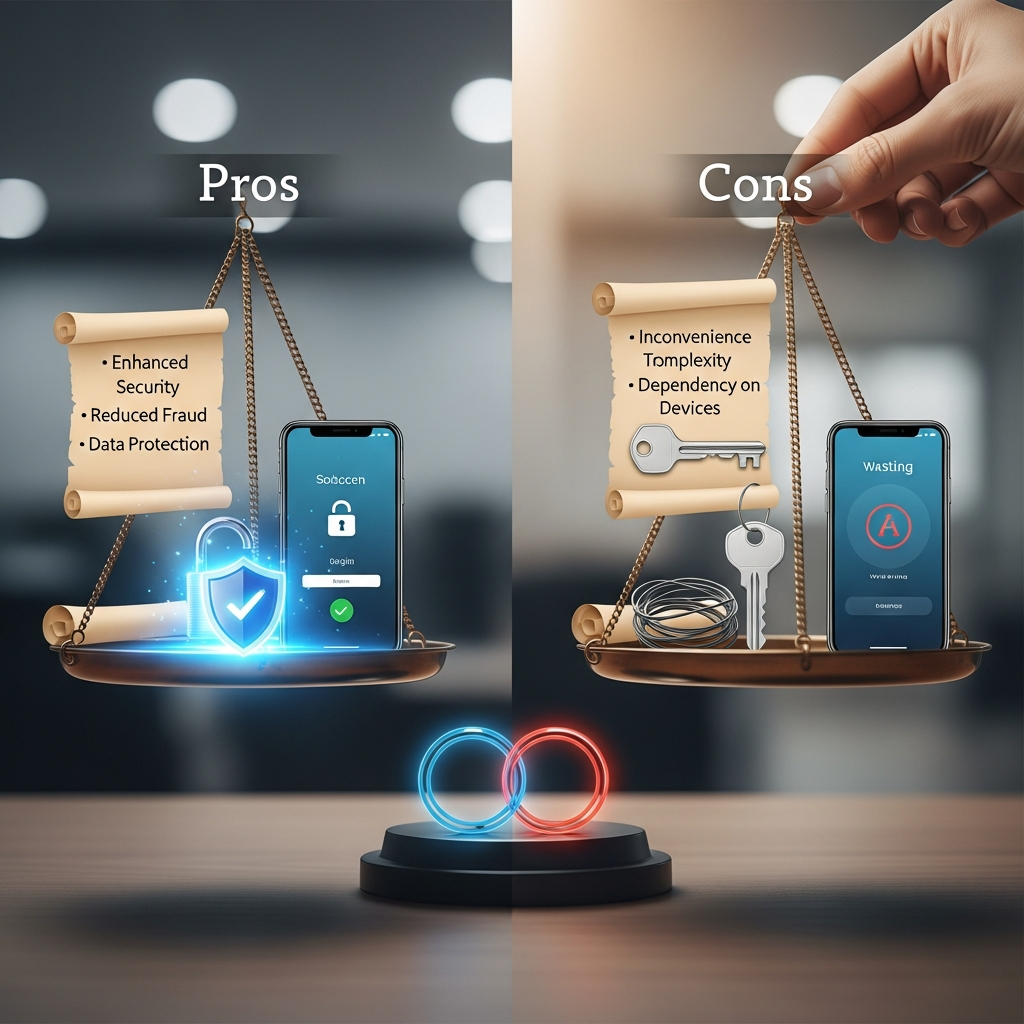
The Pros of Two-Factor Authentication
The primary goal of 2FA is to strengthen security, but its advantages extend beyond just stopping hackers. Here are the most significant benefits of implementing 2FA for your personal and professional accounts.
1. Drastic Reduction in Unauthorized Access
The most compelling “pro” is the sheer effectiveness of 2FA. According to research from major tech companies like Google and Microsoft, 2FA can block up to 99.9% of automated bot attacks and bulk phishing attempts. Even if your password is leaked in a large-scale data breach, the attacker remains locked out because they do not have your physical device or biometric data.
2. Protection Against Phishing
Phishing remains one of the most common ways accounts are compromised. While a sophisticated phishing site can trick you into typing your password, it is much harder for an attacker to intercept a secondary token in real-time, especially when using hardware keys or app-based authenticators. This adds a crucial “safety net” for users who might occasionally fall for deceptive emails.
3. Regulatory and Industry Compliance
For business owners and professionals, 2FA is often no longer optional. Many regulatory frameworks, such as GDPR, HIPAA, and PCI-DSS, mandate or strongly recommend multi-factor authentication to protect sensitive data. Implementing 2FA helps your organization stay compliant and avoids heavy fines associated with data negligence.
4. Peace of Mind and Trust
Using 2FA provides a psychological benefit. Knowing that your sensitive information—such as your primary email or banking portal—is protected by more than just a string of characters allows you to navigate the internet with greater confidence. For businesses, offering 2FA to customers builds brand trust, showing that you take their privacy seriously.
5. Low Cost of Implementation
For most individual users, 2FA is entirely free. Most major platforms (Google, Facebook, Apple, Microsoft) offer 2FA settings at no extra charge. Even for businesses, the cost of implementing app-based authentication is minimal compared to the catastrophic financial loss of a data breach.
The Cons of Two-Factor Authentication
Despite its high level of security, 2FA is not a “magic bullet.” There are several disadvantages and risks that you should consider to avoid being locked out of your own accounts.
1. The “Friction” and Inconvenience Factor
The most common complaint regarding 2FA is that it adds an extra step to the login process. You have to find your phone, wait for a code, or tap a hardware key. While this only takes a few seconds, it can feel like a nuisance for users who log in and out of multiple services throughout the day. This “friction” can sometimes lead users to disable the feature entirely, leaving them vulnerable.
2. Dependence on a Physical Device
What happens if you lose your phone? Or if your battery dies? If your 2FA is tied to a specific device and you don’t have a backup plan (like recovery codes), you could find yourself permanently locked out of your accounts. The process of recovering an account without the 2FA device can be incredibly tedious, often requiring identity verification that takes days or weeks.
3. Vulnerability to SIM Swapping
Not all 2FA methods are created equal. SMS-based 2FA is considered the least secure. Hackers can use a technique called “SIM Swapping,” where they trick your mobile carrier into transferring your phone number to a SIM card they control. Once they have your number, they can receive your 2FA codes and hijack your accounts.
4. False Sense of Security
Some users believe that once 2FA is enabled, they are “unhackable.” This leads to poor password hygiene (using simple passwords) or clicking on suspicious links. Advanced attacks, such as Session Hijacking or MFA Fatigue attacks (where an attacker spams your phone with “Approve Login” requests until you accidentally click “Yes”), can still bypass 2FA.
5. Technical Issues and Latency
Sometimes, the technology simply fails. SMS codes might be delayed due to network congestion, or an authentication app might glitch after a software update. If you are traveling internationally and do not have a roaming data plan, you might not be able to receive the codes necessary to access your work or banking accounts.
Detailed Review of Different 2FA Methods
To truly weigh the pros and cons, you must understand the different types of 2FA available. Each has a different balance of security and convenience.
SMS and Voice Calls
- Pros: Extremely convenient; works on any mobile phone.
- Cons: Vulnerable to SIM swapping; requires cellular signal; least secure method.
Authenticator Apps (Google Authenticator, Authy)
- Pros: More secure than SMS; works offline; generates codes that expire every 30 seconds.
- Cons: If you lose the phone without a backup/sync, you lose access; requires a smartphone.
Hardware Security Keys (YubiKey, Titan)
- Pros: The gold standard of security; immune to phishing and SIM swapping; very durable.
- Cons: Costs money ($20-$60); easy to lose; requires a physical USB or NFC connection.
Biometric Authentication (FaceID, Fingerprint)
- Pros: Fast and convenient; impossible to “forget” your fingerprint.
- Cons: Privacy concerns regarding biometric data storage; can be bypassed with high-end spoofing or legal compulsion (police can force a finger on a sensor).
How to Optimize Your 2FA Strategy
If you want to maximize the “pros” and minimize the “cons,” follow these expert recommendations:
- Avoid SMS 2FA when possible: Use an app like Microsoft Authenticator or Authy instead.
- Save Your Backup Codes: Every time you enable 2FA, the service will provide “Recovery Codes.” Print these out or store them in a secure physical location (like a safe).
- Use a Password Manager: 2FA should be a second layer, not a replacement for a strong password. Use a manager like Bitwarden or 1Password to generate unique, complex passwords.
- Consider a Hardware Key for Primary Accounts: For your most sensitive accounts (Email and Banking), a physical security key offers the highest protection.
- Enable 2FA on your Mobile Carrier Account: Add a “Port-Out PIN” to your cellular account to prevent SIM swapping.
The Future of Authentication: Moving Toward Passwordless
As we analyze the pros and cons of two-factor authentication, it is clear that the industry is moving toward a “Passwordless” future. Technologies like Passkeys (backed by Apple, Google, and Microsoft) aim to replace passwords entirely. Passkeys use your device’s biometric or local PIN to create a secure, cryptographic link with a website. This effectively combines the “something you have” and “something you are” into one seamless step, eliminating the friction of traditional 2FA while maintaining high security.
Conclusion: Is 2FA Worth It?
In conclusion, while the cons of two-factor authentication—such as inconvenience and the risk of being locked out—are real, they are far outweighed by the pros. The risk of a devastating account takeover is a much greater threat than the minor annoyance of entering a six-digit code.
By choosing the right method (favoring apps and hardware keys over SMS) and maintaining disciplined backup habits, you can enjoy the benefits of a significantly hardened digital identity. In today’s world, 2FA is no longer a luxury; it is a fundamental necessity for anyone who values their digital privacy and security.
Frequently Asked Questions (FAQ)
1. Can 2FA be hacked?
Yes, 2FA is not invincible. It can be bypassed through SIM swapping (for SMS 2FA), phishing of the 2FA code itself, or session hijacking where a hacker steals your “logged-in” browser cookie. However, it makes hacking significantly more difficult and expensive for the attacker.
2. What is the most secure form of 2FA?
Physical hardware security keys (using the FIDO2/U2F standard) are considered the most secure. They are immune to phishing because the key only communicates with the legitimate website it was registered with.
3. What should I do if I lose my 2FA device?
You should use your pre-saved recovery codes to log in. If you don’t have those, you will need to contact the service provider’s support team and go through a manual identity verification process, which may take several days.
4. Does 2FA protect me from all cyber threats?
No. 2FA only protects your account login. It does not protect you from malware on your computer, unsecured Wi-Fi networks, or data breaches on the server-side of the companies you use.
5. Is 2FA the same as Multi-Factor Authentication (MFA)?
Technically, 2FA is a subset of MFA. 2FA specifically requires two factors, while MFA can require two or more (e.g., a password, a code, and a fingerprint).